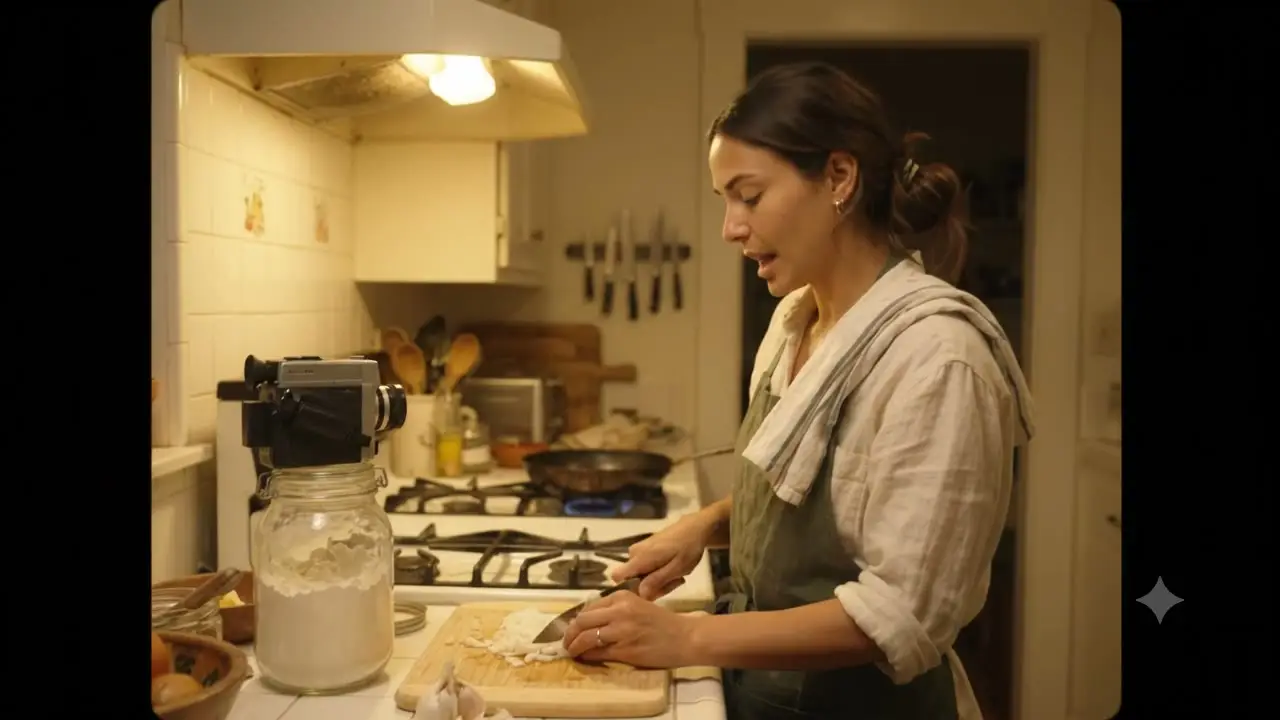
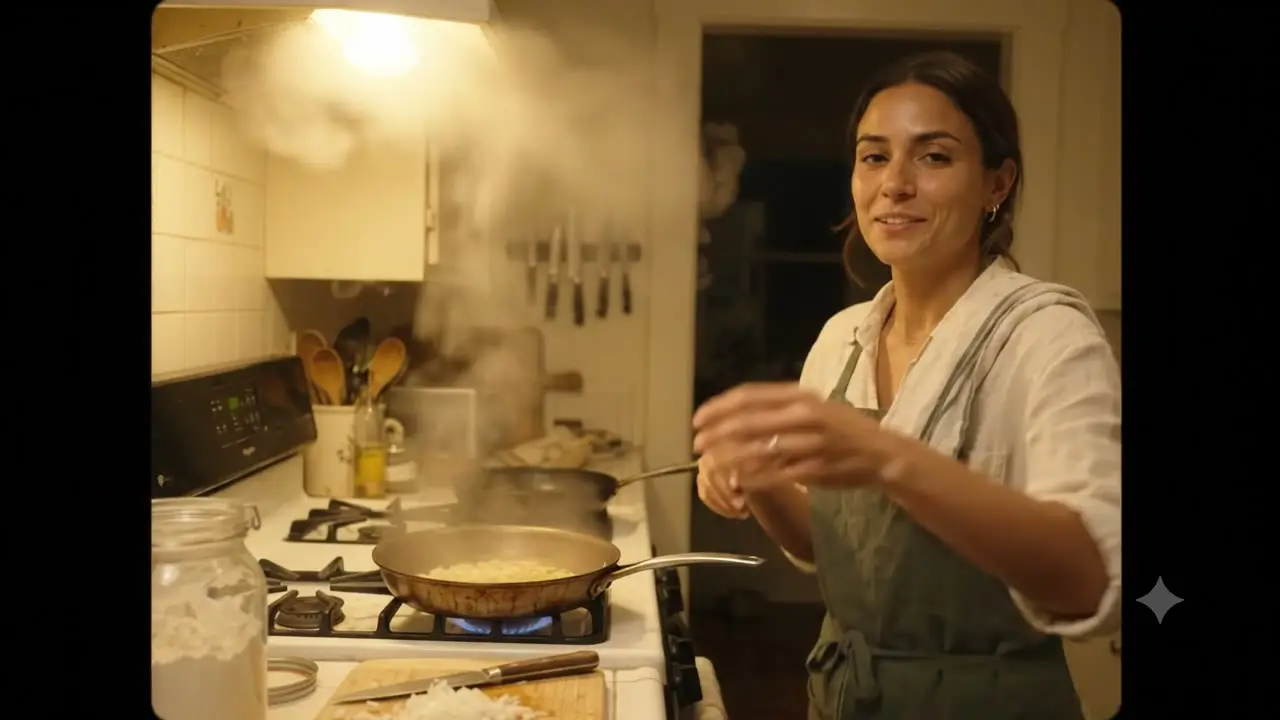
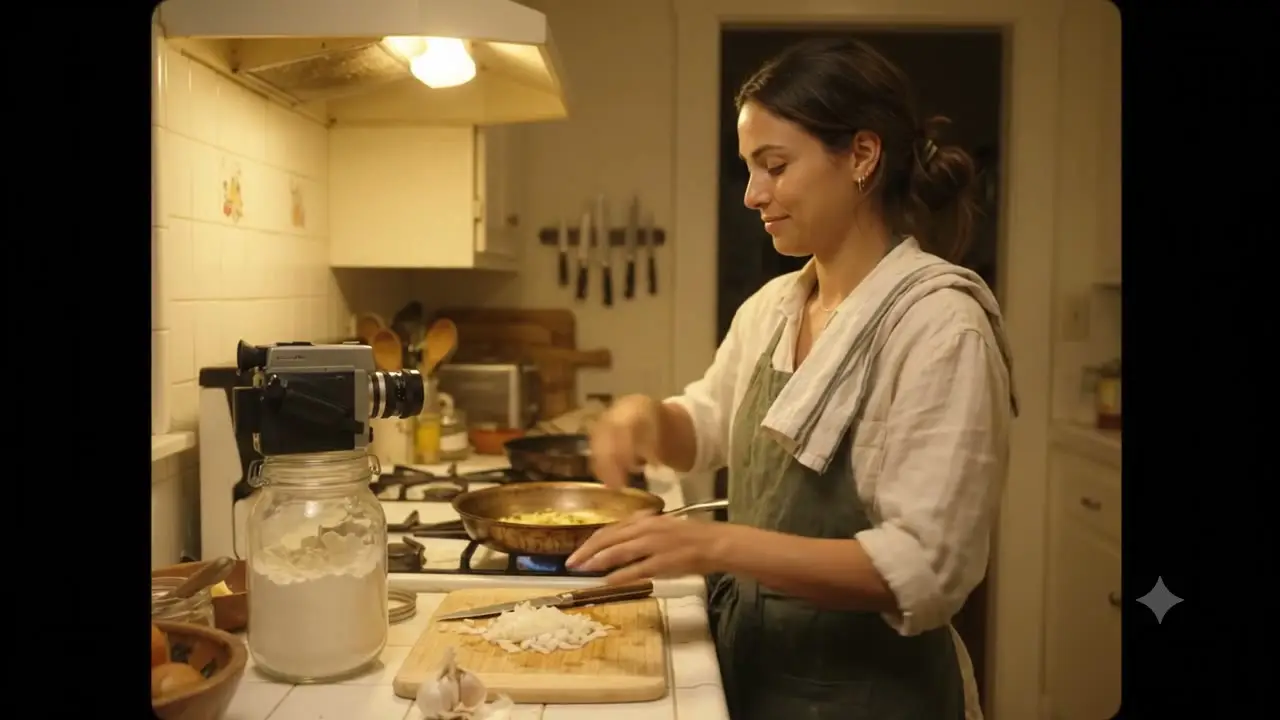
Try Seedance 2.5 with a prompt, first and last frames, or image, video, and audio references. Every clip runs 1 to 30 seconds at 480p, 720p, or 1080p with native audio.
Seedance 2.5 online
One Seedance 2.5 workspace, three ways in
Start from a written prompt, from frames you already approved, or from reference media that carries a character, a motion, or a piece of audio. Seedance 2.5 reads all of it as one context and returns a single continuous shot of up to 30 seconds.
Reference media, frame control, length, and framing are all yours to set before you generate — and the credit cost is on screen before you commit to a run.
Seedance 2.5 video reference, and audio too
Attach up to 30 images, 10 videos, and 10 audio files in one generation. Images hold a character or a product, video carries the movement, audio sets the timing. Name each file's job in the prompt so the model knows what to take from where.
t+1.0s
t+5.0s
t+9.0s
First and last frame control
Give Seedance 2.5 a first frame to start from, and an optional last frame to land on. Useful when the opening composition is already signed off and the shot has to arrive somewhere specific.
Seedance 2.5 audio to video
Native audio is generated with the video by default, so a clip arrives with its own sound rather than silent. Pass an audio reference when the motion should follow a beat or a spoken line.
Six fixed ratios, plus adaptive
Text and reference workflows let you pick 16:9, 9:16, 1:1, 21:9, 4:3, or 3:4. Image-to-video follows the shape of your first frame, so crop that image to your target ratio before uploading.
Seedance 2.5 up to 30 seconds
Set any whole-second length from 1 to 30 seconds. Thirty seconds is long enough for a full UGC read, an ad cut, or a walkthrough that actually moves through a space.
1–30smaximum clip length
Seedance 2.5 1080p, priced per second
Render at 480p while you explore, then move to 720p or 1080p for the take you keep. Cost scales with resolution and length — 3, 7, or 12 credits per second — and the exact total appears before you generate.
Prompt guide
How to create a Seedance 2.5 video online
Pick the way in, describe one shot clearly, then set length and resolution. Three steps, no install, nothing to configure.
01Choose
Choose how you want to start
Text-to-video needs only a prompt. Image-to-video starts from a first frame, with an optional last frame. Reference-to-video takes images, video, and audio when a character, a motion, or a beat has to carry over.
Text to videoImage to videoReference to video
02Write
Describe one shot, in order
Keep the same order every time: subject, action, setting, camera movement, lighting, ending state. Say what should change during the clip instead of restating what a reference image already shows. Prompts take up to 30,000 characters, but one focused paragraph usually beats a pile of adjectives.
"Clay-rendered fox pushes a wooden cart down a village lane, soft matte lighting, slow side-tracking camera, ending on a wide shot"
03Generate
Set the options and generate
Choose a length from 1 to 30 seconds and a resolution. Text and reference workflows also let you choose an aspect ratio; image-to-video follows the first frame. The credit cost appears before you submit, and Videoify keeps the generation status so you can return later.
Seedance 2.55s720p · Adaptive
Use cases
What people are making with Seedance 2.5
01Text-to-video
Write a shot for an ad, a reel, or a music video
Ads, reels, and music video cuts start here. Describe one scene per generation — subject, action, camera, ending state — and pick the ratio that matches the placement: 9:16 for reels, 21:9 for a wide cinematic beat. Style follows the words, so name it: 3D animation, clay render, handheld documentary, anime.
FIRST FRAME
LAST FRAME (optional)
OUTPUT · PREVIEW
02First & last frames
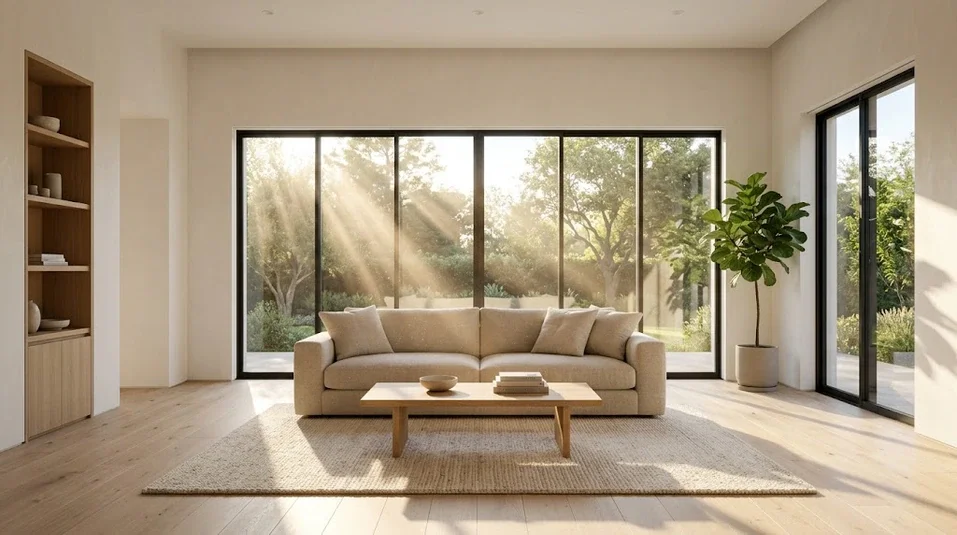
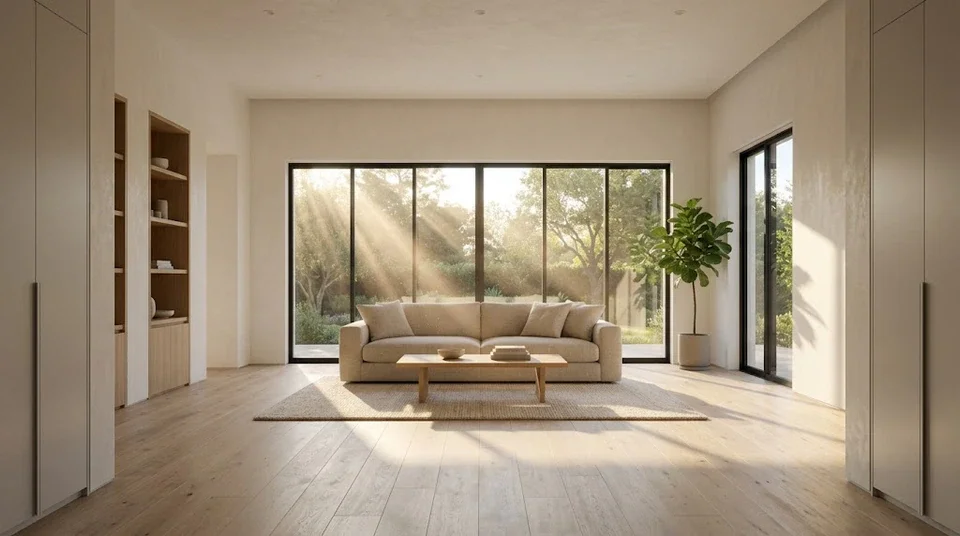
Move a real estate walkthrough through a space
Start from a photo of the entryway and set the last frame at the window, and Seedance 2.5 travels between them. The same pattern covers product reveals, pose changes, and any transition where both ends of the shot are already decided.
IMG 1
IMG 2
VIDEO00:04
OUTPUT · PREVIEW
03Reference-to-video
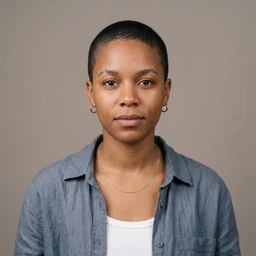
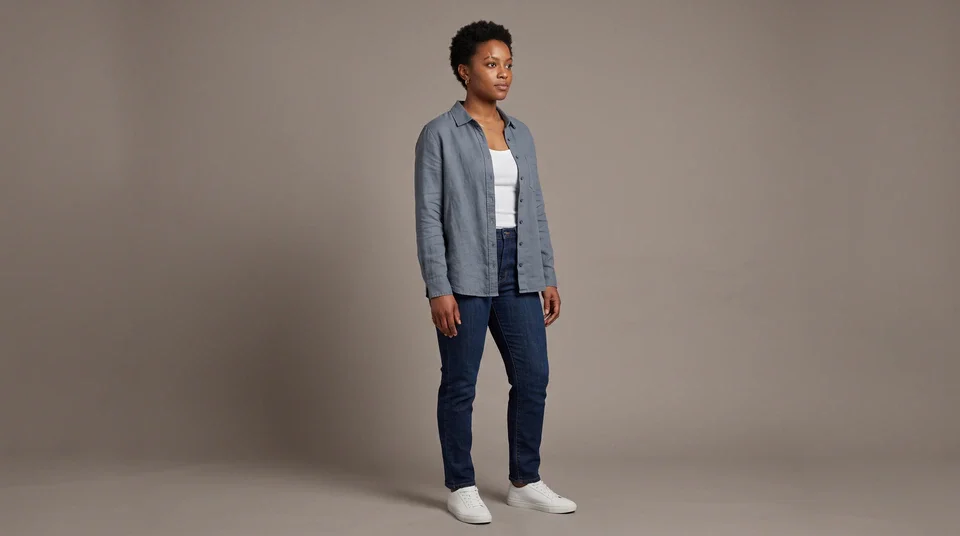
Keep a UGC creator consistent across a set of clips
Attach a few images of the same person so the face and styling hold from clip to clip, add a video reference when the gesture or camera move should carry over, and an audio reference when the motion needs to land on a beat. Reference-guided means strong influence, not a frame-for-frame copy or a guaranteed character swap.
Gallery
Seedance 2.5 videos, with the prompts behind them
Every clip lists the prompt that made it and the workflow it came from. Copy one, change the subject, and start from something that already works.
TEXT00:10
"Cobalt perfume bottle rotates on wet black stone, thin ribbon of mist, precise studio highlights, smooth half-orbit, clean final product frame"
IMAGE00:08
"Close portrait beside a train window at sunset, natural breathing and blinking, warm reflections crossing the face, gentle handheld drift"
REFERENCE00:08
"Same courier from the reference images walks a neon-lit night market, jacket and hair unchanged, slow lateral tracking shot"
TEXT00:08
"Aerial glide through an alpine valley at sunrise, low mist over the river, continuous forward movement, ending wide on distant peaks"
IMAGE00:08
"Clay-rendered fox pushes a wooden cart down a village lane, soft matte lighting, slow side-tracking camera, ending on a wide shot"
REFERENCE00:08
"Dancer matches the rhythm of the audio reference, camera move copied from the video reference, styling held from the three stills"
FAQ
Seedance 2.5 questions, answered
What the model does, how to reach it, what a clip costs, and where the limits are — the details worth knowing before you generate.
Seedance 2.5 is ByteDance's video generation model. It reads text, images, video, and audio as one context and returns a single continuous shot of 1 to 30 seconds at 480p, 720p, or 1080p, with native audio generated alongside the picture. Where it stands out is instruction-following over a longer take: camera direction, a specific ending state, and a character held steady across a set of reference images. Where it still struggles is legible on-screen text, dense crowds, and hands doing fine work — the same weak spots most video models share today. Videoify runs it as a hosted service through an upstream API provider, so there is nothing to install and no GPU of your own required.
This page is the direct way: open the generator at the top, pick text-to-video, image-to-video, or reference-to-video, write a prompt, and submit. No waitlist, no API key, no local setup. You can compose a prompt and upload references while signed out — the draft is held for an hour in your browser and restored after you sign in — but submitting a generation needs an account and enough credits.
New accounts get a starting credit balance, so your first clips come out of that grant rather than a purchase — check your balance in account settings to see what you have. Writing prompts, uploading references, and exploring the settings are always free; credits are only spent when you submit a generation. The cheapest way to stretch a free balance is 480p at a short duration: at 3 credits per second, a 5-second test costs 15 credits, and 480p is fine for checking whether a prompt is working before you commit to a 1080p take. There is no unlimited plan. Generation is billed per second by the upstream provider, so any site promising unlimited Seedance 2.5 output is either rate-limiting you somewhere or absorbing a cost it cannot sustain.
Describe one shot in this order: subject, action, setting, camera movement, lighting, style, ending state. Say what should change during the clip rather than restating what a reference image already shows. For a cinematic look, name the grammar directly — a slow dolly in, a low-angle tracking shot, anamorphic flare, golden-hour backlight, shallow depth of field — because the model follows film vocabulary more reliably than adjectives like beautiful or epic. The drone-through-a-scene shot works the same way: give it the first frame, then describe one continuous forward move and where it ends, for example "camera flies forward through the archway, past the courtyard fountain, rising to a wide view of the rooftops." One continuous move per generation beats trying to cut between two. Prompts accept up to 30,000 characters, but a focused paragraph usually beats a long stack of modifiers.
Reference-to-video takes up to 30 images, 10 videos, and 10 audio files in a single generation, and image-to-video takes a required first frame plus an optional last frame. Images are accepted as JPG, PNG, or WebP up to 20 MB each; video is MP4, MOV, or MKV up to 200 MB; audio is MP3, WAV, AAC, M4A, or OGG up to 15 MB. More references is not automatically better — three or four consistent images of the same subject hold identity more reliably than twenty mixed ones. Name each file's job in the prompt so the model knows what to take from where: this image is the character, this one is the location, this video is the camera move.
Yes to audio input: you can attach up to 10 audio files as references in reference-to-video, and native audio is generated with every clip by default. Lip sync to a supplied audio file is not a guaranteed feature. The audio reference influences timing, rhythm, and pacing, but it is not a dubbing tool and will not reliably match mouth movement to a specific recording. If you need a spoken line, put it in quotation marks in the prompt and say who delivers it and when — for example, the woman turns to camera and says "we open at six," calm, near the end of the shot. Keep it to one or two lines, treat the result as generated audio rather than a guaranteed reading, and regenerate with simpler wording if the delivery comes out wrong.
Cost is per second of output and scales with resolution: 3 credits per second at 480p, 7 at 720p, and 12 at 1080p. A 5-second clip is 15, 35, or 60 credits. A full 30-second clip is 90 credits at 480p, 210 at 720p, or 360 at 1080p. The exact total appears on screen before you submit, so nothing is charged without you seeing the number first. For regular use, subscriptions are the cheaper route — Starter is $19.99 per month for 80 credits, Pro is $49.99 for 250, and Max is $99.99 for 600, with yearly billing lowering the monthly equivalent. Credit packs ($29.99 for 60, $89.99 for 210, $249.99 for 700) cost more per credit but never expire, which suits occasional projects. The cheapest workflow overall is drafting at 480p and only re-rendering the take you want to keep at 1080p.
720p is the default in the workspace, not a ceiling — open the generation settings and switch to 1080p before you submit. It defaults to the middle option because 720p is a reasonable balance while you are still iterating, and because 1080p costs roughly four times what 480p does per second. On text: Seedance 2.5 renders written words unreliably, so signage, logos, and UI mockups often come back garbled or misspelled. This is a known limitation of current video models rather than a settings problem. Ask for less text and larger type, keep any word short, or leave the text out and add it in an editor afterwards. The same applies to region editing and clip extension — Seedance 2.5 generates a fresh shot each time and has no local repaint or extend function, so changing one area means adjusting the prompt or references and generating again.
Seedance 2.5 online
Your next shot is one prompt away
Try Seedance 2.5 with a prompt, a pair of frames, or your own reference media. Up to 30 seconds, up to 1080p, audio included — and you can start writing before you sign in.