
Turn any image to video with AI
Upload a photo, describe the motion, and get a short clip with synced audio and no watermark. Add an end frame to control where the shot lands.
Turn a still photo into motion.
Keep the first and last frame under control.
Videoify is an image to video converter, not a timeline editor. Upload a start image, write a motion prompt, choose duration and resolution, then generate. Add a compatible end image to define where the shot should finish.
Animate an image with end-frame control
Start from one required image and optionally add a compatible final image. Describe the movement between them so the shot reaches a deliberate visual endpoint.
Use multiple images as references
Switch to the reference workflow and give each file a clear role — character, wardrobe, setting, or style. That is how multiple images stay consistent in one shot.
Get sound without a second tool
Every clip arrives with native synchronized audio. When pacing or voice-led timing matters, add an MP3 or WAV reference in reference-to-video to guide it.
A more controllable image to video workflow
Choose how the shot begins, describe only the motion that matters, and review the cost before generating.
AI video pricing
Videoify runs on credits, not an unlimited free tier. MiniMax H3, Seedance 2.5, and Wan 3.0 share the same balance — you'll see the exact cost before every clip.
For testing ideas and occasional clips across all three models.
- MiniMax H3, Seedance 2.5, and Wan 3.0
- Text, start/end frame, and reference workflows
- JPG, PNG, and WebP uploads up to 20MB each
- Generation cost shown before you run
For creators iterating on ads, UGC, and storyboards.
- Everything in Starter
- 250 generation credits each month
- Image, video, and audio references on all three models
- More room to test prompts and visual styles
For larger campaigns and frequent production cycles.
- Everything in Pro
- 600 generation credits each month
- Room for longer Seedance 2.5 clips at 720p or 1080p
- Support through the contact page
For high-volume video production and ongoing campaigns.
- All supported video models and workflows
- 2,500 generation credits each month
- More capacity for longer clips and repeated iterations
- Yearly credits accumulate within the paid annual term
All subscriptions renew automatically and can be canceled anytime. Monthly-plan credits expire at monthly renewal; yearly-plan credits accumulate during the annual term and expire at annual renewal.
Your uploads stay yours
Never used for training
Your uploads and prompts are never used to train models.
Auto-deleted in 7 days
Reference files are wiped from our servers automatically.
Encrypted in transit & at rest
TLS 1.3 in transit, AES-256 on storage.
Secure payments
Processed by PCI-DSS compliant providers. We never see card numbers.
Image to video questions, answered
Learn how to turn a picture into a video, guide natural motion, work with multiple images, and understand how image to video generation works on Videoify.
Upload a JPG, PNG, or WebP image, then describe the subject movement, camera direction, pacing, and final moment you want. Add an optional end image when the shot needs a defined destination, choose a 4–15 second duration and 768P or 2K resolution, review the credit cost, and generate the clip.
From the blog
Product updates, guides, and engineering notes from the team.
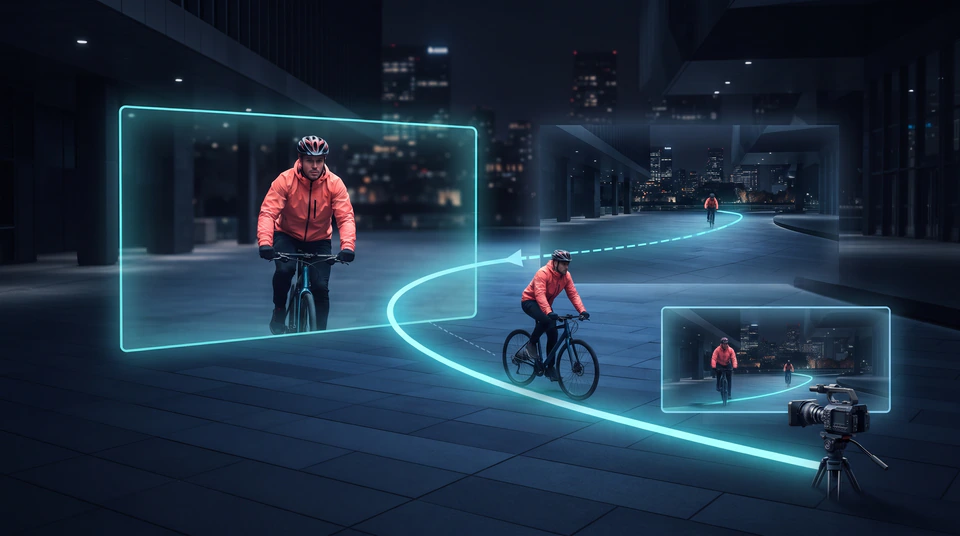
How to Write Camera Prompts for AI Video: A Shot-First Guide
Turn camera ideas into clear AI video prompts with a shot-first method, precise movement and angle terms, adaptable examples, and practical fixes.

Seedance 2.5 Prompt Guide: Direct Better 30-Second Videos
Learn how to write Seedance 2.5 prompts for text-to-video, first and last frames, multimodal references, timed scenes, camera movement, and native audio.

MiniMax H3 Prompt Guide: Better Prompts for Every Video Workflow
Learn how to write MiniMax H3 prompts for text-to-video, image animation, end-frame control, reference media, camera movement, dialogue, and sound.
Turn your
image to video today
Upload a still image, describe the motion you want, and get a short clip with clear duration and resolution controls — watermark-free.
Sign-in required · Credits charged by duration and resolution · No watermark on exports