Try MiniMax H3 with a prompt, start and end images, or image, video, and audio references. Every 4–15 second clip renders in 768P or 2K with native synchronized audio.
MiniMax Hailuo H3 video generator
Controllable AI video from text and references
MiniMax H3—released as Hailuo 03, also called MiniMax Hailuo H3—turns text and reference media into short video shots with native synchronized audio. Start from a prompt, animate a first image with optional end-frame control, or guide a new result with multiple images, videos, and audio files.
"A surfer rides a glassy wave at golden hour, low tracking shot"
Model controls
Control each MiniMax H3 video from input to final frame
Choose the workflow, references, duration, resolution, and camera direction that fit the shot you want to make.
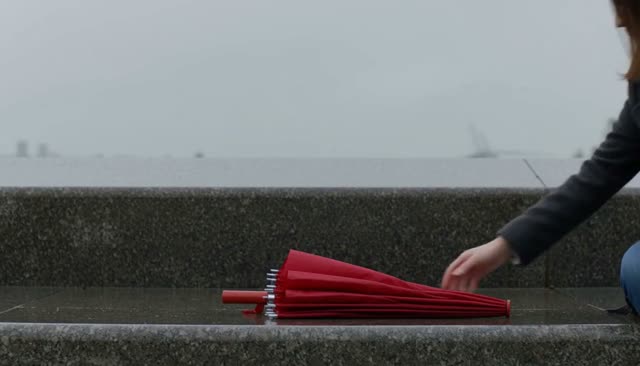
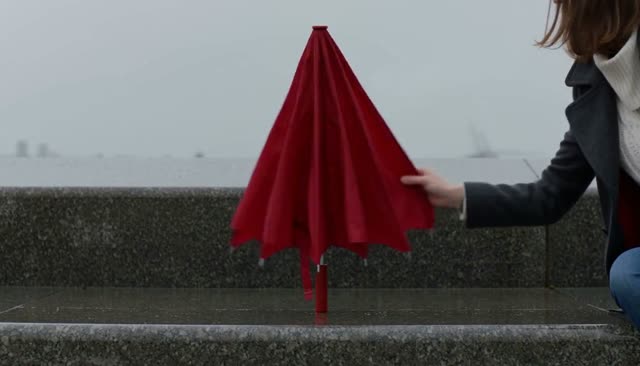
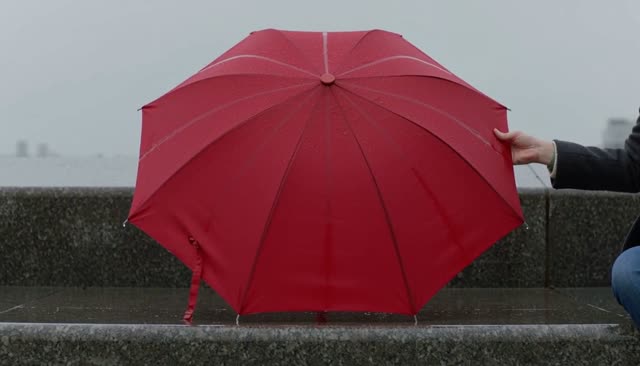
Start and end image control
Start from a required first frame and add an optional final frame. Two endpoints give the shot a clearer path.
t+0.0s
t+4.0s
t+7.5s
Generate in 768P or 2K
Use 768P to save credits, or 2K when the shot needs more detail. Cost is shown before you generate.
Native audio, guided by references
Every clip includes native synchronized audio. A video or audio reference can guide it — it is not a voice-clone guarantee.
Guide consistency with multiple images
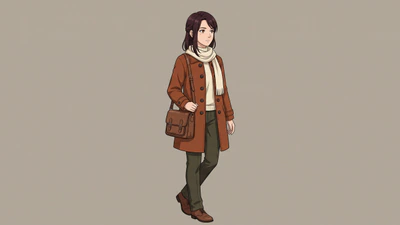
Add several reference images to lock a character, costume, or product. Consistency improves, but results can still vary.
Build longer stories shot by shot
Each clip is 4–15 seconds. Plan separate storyboard shots, keep references consistent, and edit them together afterward.
15smaximum per generated clip
Direct camera movement in the prompt
Describe a pan, tilt, tracking shot, orbit, push in, or static frame in the prompt. Clear directions give the camera a stronger target.
Workflow
How to create a MiniMax H3 video online
Choose a workflow, give the model clear visual direction, and review the generated clip in three practical steps.
01Choose
Choose your generation workflow
Use text-to-video for a prompt-only shot, image-to-video for a required first frame with optional end-frame control, or reference-to-video when images, video, or audio should guide the result.
Text to videoImage to videoReference to Video
02Write
Write the prompt and add references
Keep the same prompt order every time: subject, action, setting, camera movement, lighting, ending state. MiniMax H3 styles follow the words you choose, so add only the reference files that clarify character identity, motion, composition, or timing.
"Anime courier on a rainy rooftop, low tracking shot, neon backlight"
03Generate
Set the options and generate
Choose duration, resolution, and aspect ratio where available. Review the credit cost and submit the task. Videoify saves the generation status so you can return later, then preview or open the finished video from this page.
H3 · 768P / 2K4–15s6 ratios · Auto for refs
Use cases
Ways to create from prompts and references
01Prompt-to-video
Turn a storyboard idea into a focused shot
Turn a storyboard to video with MiniMax H3 one shot at a time — for ads, short films, anime sequences, or music videos. Specify one scene per generation so the subject, action, style, and camera direction stay clear.
First frame
End frame (optional)
OUTPUT · 1080P
02First & last frames
Control how an image-to-video shot begins and ends
Start with an approved composition and add an optional final image to define the destination. This workflow is useful for product reveals, visual transitions, pose changes, and shots that need deliberate end-image control.
IMG 1
IMG 2
IMG 3
VIDEO00:04
OUTPUT · 1080P
03Reference-to-video
Guide character, motion, and timing with references
Reference-to-video combines multiple images with optional video and audio to guide identity, styling, gestures, pacing, or voice-led timing. Note that MiniMax H3 video to video means reference-guided generation here: not a deterministic conversion, a character-swap guarantee, or a frame-by-frame editing tool.
MiniMax H3 samples
Clear prompts in, distinct shots out
Each prompt below is a sample you can adapt, from a surf tracking shot to a MiniMax H3 music video. Study how subject, action, camera movement, and lighting shape the result, then rewrite it for your own scene.
"Music video performance in an empty warehouse, dancer spinning under pulsing red light"
H300:07
"Drone gliding along a rugged coastline at sunrise, smooth orbit around the cliff"
FAQ
MiniMax H3 questions, answered
Supported inputs, clip limits, credit cost, prompting, dialogue, and content rules — the details worth knowing before you generate. Can't find what you're looking for?
MiniMax H3 is a multimodal video model released as Hailuo 03, and MiniMax Hailuo H3 refers to the same model. It reads text, images, video, and audio as a single context, then generates one 4–15 second shot with native synchronized audio at 768P or 2K. Videoify runs it as a hosted service through an upstream API provider, so you work in the browser with no model files, no environment to configure, and no GPU of your own.
Open the generator at the top of this page, choose text-to-video, image-to-video, or reference-to-video, then write a prompt and add any required media. Pick the duration, resolution, and aspect ratio, and the credit cost appears before you submit. There is no setup and nothing to install. You can compose a prompt while signed out and the draft is restored after you sign in, but generating needs an account and enough credits. New accounts receive 10 signup credits. Invite bonuses and daily check-in credits are coming later. MiniMax H3 costs 2 credits per second at 768P or 3 credits per second at 2K.
Describe one shot in this order: subject, action, setting, camera movement, lighting, style, and ending state. Say what should change during the clip instead of restating what a reference image already shows. Prompts accept up to 7,000 characters, but a focused paragraph usually beats a long stack of adjectives. When you attach references, name what each file is for — this image is the character, this one is the location, this video is the movement — so the model is not guessing which part to copy.
Put the spoken line in quotation marks and say who delivers it, in what tone, and when it should start — for example, the woman turns to camera and says "we open at six," calm, near the end of the shot. Keep it short, because a 4–15 second clip has room for one or two lines at most. Write the line in the language you want to hear, but treat the output as generated audio rather than a guaranteed reading: pronunciation, timing, and lip sync vary between runs, and we do not publish a supported-language list. If a line comes out garbled, shorten it, simplify the wording, name the speaker more clearly, and generate again.
Ask for the speed you want directly in the prompt. Terms like real-time, natural speed, or brisk push back against the drift toward slow motion, while cinematic, dreamy, graceful, and floating tend to invite it. Remove any slow-motion wording you did not mean literally, and describe an action with a clear beginning and end, since someone crossing a room reads faster than someone standing still. A shorter duration also helps, because MiniMax H3 has less time to stretch the movement. Pacing still varies between runs, so compare two or three takes before changing anything else.
For image-to-video, upload a start frame in the composer and optionally add an end frame. For reference-to-video, switch the workflow first, because the image, video, and audio reference slots only appear in that mode. Images accept JPG, PNG, or WebP up to 20 MB, videos accept MP4 or MOV up to 50 MB, and audio accepts MP3 or WAV up to 15 MB. You can attach more than one file per slot, but loading everything you have rarely helps: use the smallest set that clearly shows the character, wardrobe, location, or movement that matters, and say in the prompt what each file is for. Extra or conflicting references usually make the result less predictable. MiniMax H3 reference-to-video handles the conditioning on its own, so no ControlNet or other add-on is involved.
One generation produces one clip of 4 to 15 whole seconds. No setting extends a single MiniMax H3 generation past 15 seconds, and there is no free path around that limit. To build something longer, plan the story as separate shots, reuse the same reference media so the character and setting stay recognizable, generate each shot on its own, and assemble them in a video editor.
Not as editing operations. Reference-to-video accepts MP4 or MOV files, but it uses them to guide movement, timing, and camera direction in a newly generated shot rather than converting your footage frame by frame, and it will not preserve every detail of the source. There is no timeline, no inpainting brush, and no object-level repair here. Use a dedicated editor for cuts, captions, transitions, retouching, or exact frame changes.
Give the model unobstructed reference images of the same character — face, hairstyle, wardrobe, and any distinctive detail — shot from angles close to what you want on screen. Repeat those details in the prompt instead of assuming the images carry them, and reuse the strongest references across every shot in a sequence. Video references can guide movement and audio can guide timing. This is how MiniMax H3 character consistency improves in practice, but it stays guidance rather than a lock: a full character replacement will not land identically in every frame, so generate a few takes and keep the one that holds.
Two layers apply. Videoify's acceptable use terms rule out illegal activity, infringement of intellectual-property, privacy, or publicity rights, sexual content involving minors, non-consensual intimate content, impersonation, harassment, and misleading synthetic media released without a disclosure the law requires. Separately, the upstream provider running the model applies its own filters, which can reject a prompt or a reference file that our terms would technically allow — most often around real public figures, graphic violence, and explicit material. A failed generation returns your credits automatically. We do not publish a filter list and the boundary can shift without notice, so when MiniMax H3 refuses a prompt, rewrite the sensitive part rather than trying to route around the filter.
MiniMax H3 online
Direct your next MiniMax H3 video
Try MiniMax H3 with a prompt, start and end frames, or reference media. Choose 768P or 2K and generate a focused 4–15 second shot online.