
Animate a Photograph with AI
Animate a photograph in three steps: upload it, describe how it should move, and get a 4 to 15 second video with native sound. Add an optional end frame to choose where the motion lands, render at 768P or 2K, and download it without a watermark.
An AI photo animator with more control
Most picture animators apply one preset effect. Here you write the motion, choose how the clip ends, and decide what it sounds like, so you can animate a photograph the way you imagined it.
Choose where the motion lands
When you animate a photograph, add an optional end frame and the clip moves toward it: a turn of the head, a reveal, or a new framing at the last second.
Sound in the same pass
Every clip comes with native audio made with the picture: a breeze, room tone, birdsong. Ask for "no music" if you want it quiet.
4 to 15 seconds, up to 2K
Keep animated photographs short enough to loop, or let a moment play out. Render drafts at 768P and the take you keep at 2K.
No watermark
Downloads come clean, ready to post, send, or edit.
Price before you generate
The credit cost appears before you submit, and a failed generation returns its credits.
Runs on MiniMax H3
Video generation from a photo runs on the same MiniMax H3 model as our MiniMax H3 tool, which also offers text-to-video and reference workflows when one photo is not enough.
Animate any kind of still photo
Let AI animate still photos of people, pets, places, artwork, and products. When you animate a photograph with one clear subject, the motion looks most natural.
Portraits and selfies
Blinks, smiles, head turns, and breathing. When you animate an image of a person, a face-forward photo in even light keeps them recognizable, and small movements keep the face stable.
Old family photos
Scanned prints and black-and-white portraits can blink, smile, and turn toward the camera. The old photo animator has preparation tips and gentler motion ideas for them.
Pets
Twitching ears, a tail wag, a head tilt. One animal in a clear pose moves more naturally than a busy group.
Landscapes
Drifting clouds, flowing water, swaying grass, rolling fog, and a slow camera push-in.
Paintings and drawings
Ask the model to keep the brushwork or line art and animate only part of the scene.
Product photos
Use it as an animated photo maker for listings and ads: a slow orbit, a light sweep, or a reveal from a single product shot.
One photo, one prompt,
one moving clip
Before you animate a photograph of your own, try one of these. Each card pairs a sample photo with a motion prompt that suits it, the kind of short instruction that can make pictures come to life. Press Try this photo to load both into the generator above, then edit the prompt or swap in your own photo. The sample photos are AI-generated.
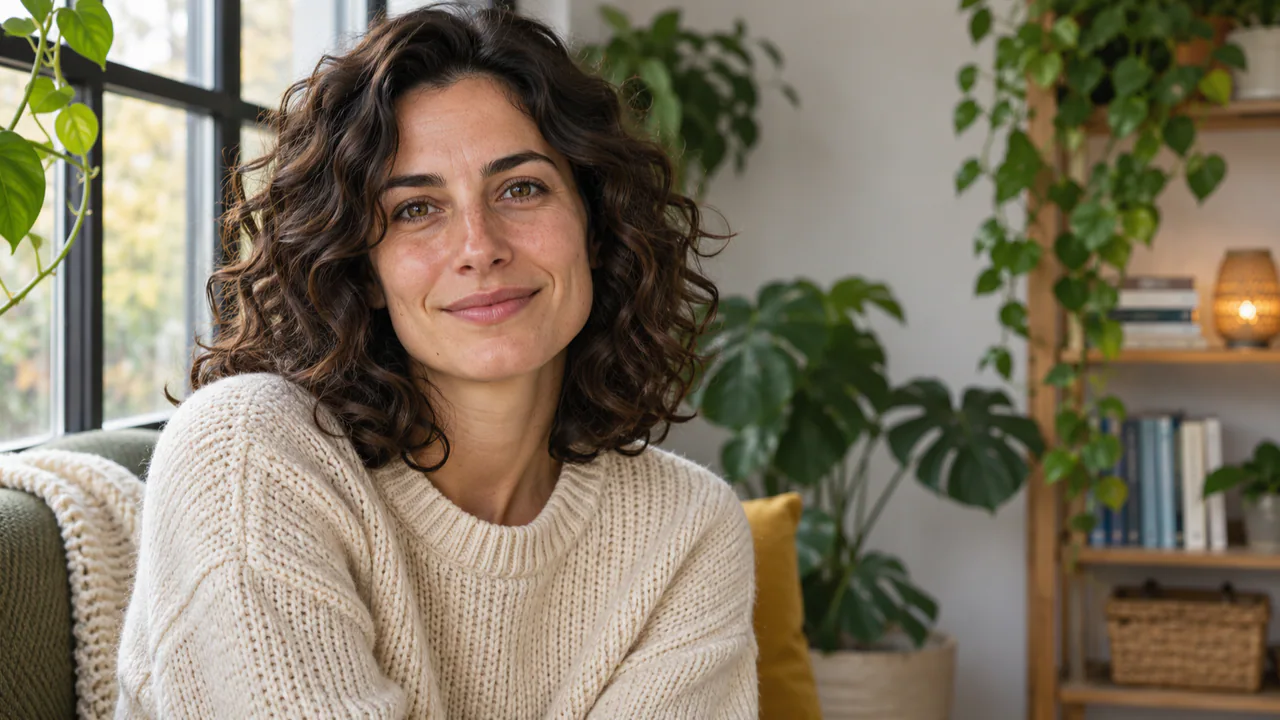 Portrait
"The person blinks naturally, breathes, and turns their head slightly toward the camera with a soft smile. Static camera."
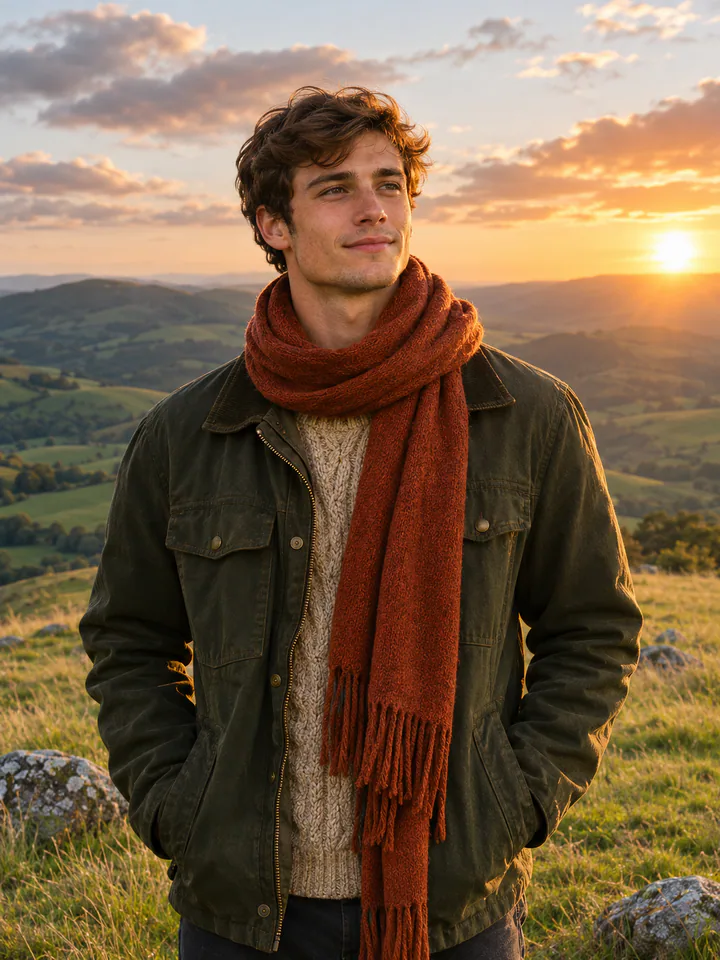 Wind
"Wind lifts their hair and scarf; they look up and squint into the sun, then smile. The camera holds still."
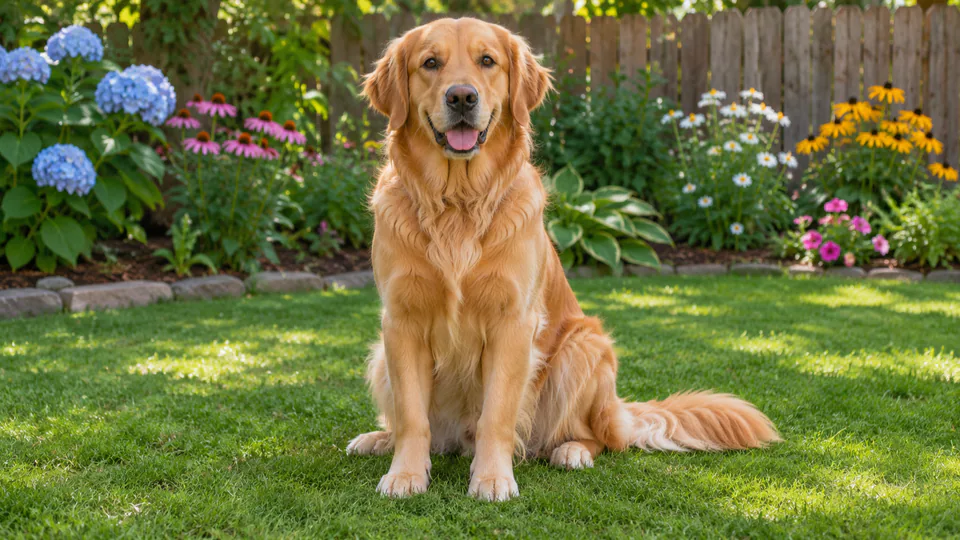 Pet
"The dog's ears twitch, it tilts its head and wags its tail twice, then looks into the lens."
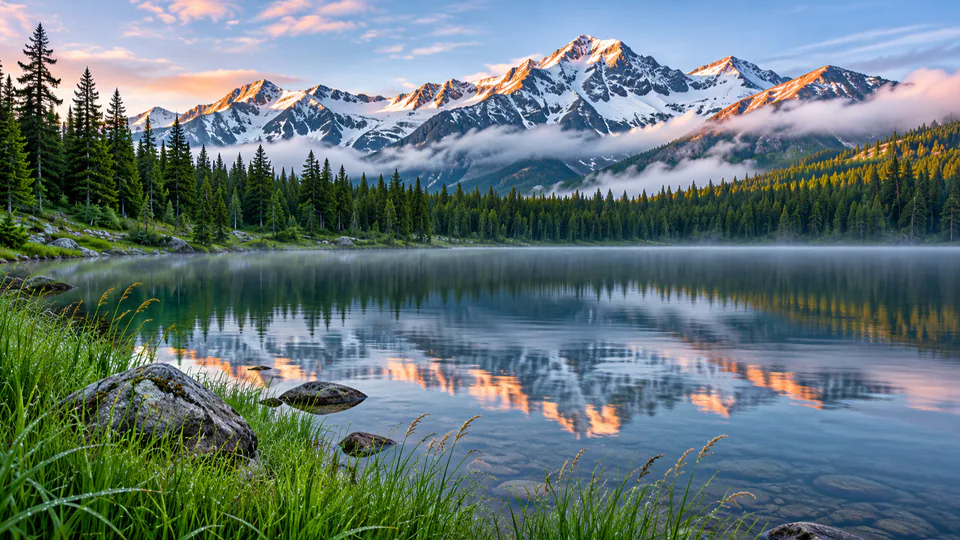 Landscape
"Clouds drift slowly across the sky, the water ripples, and the grass sways in a light wind. Slow push-in."
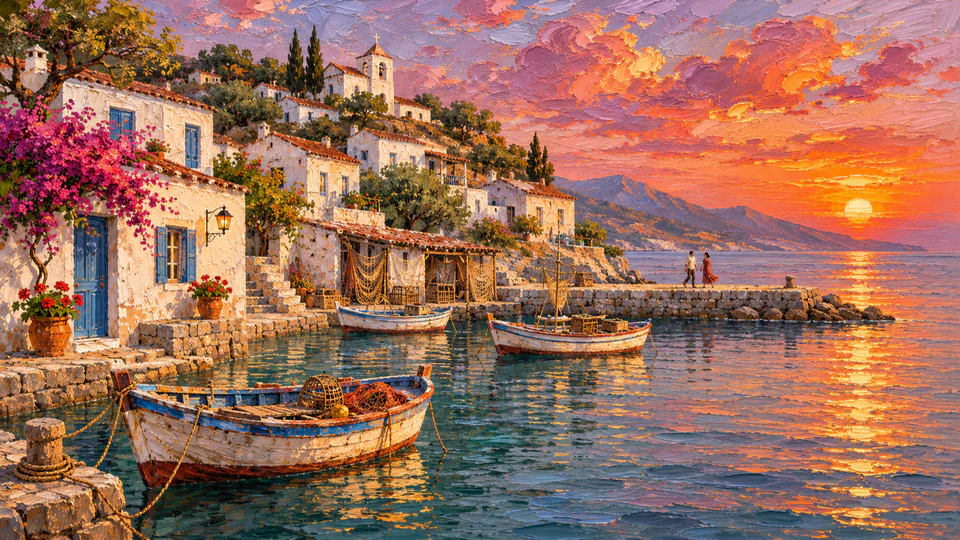 Painting
"Keep the painted brushwork and colors. The clouds and water begin to move gently while the figures stay still."
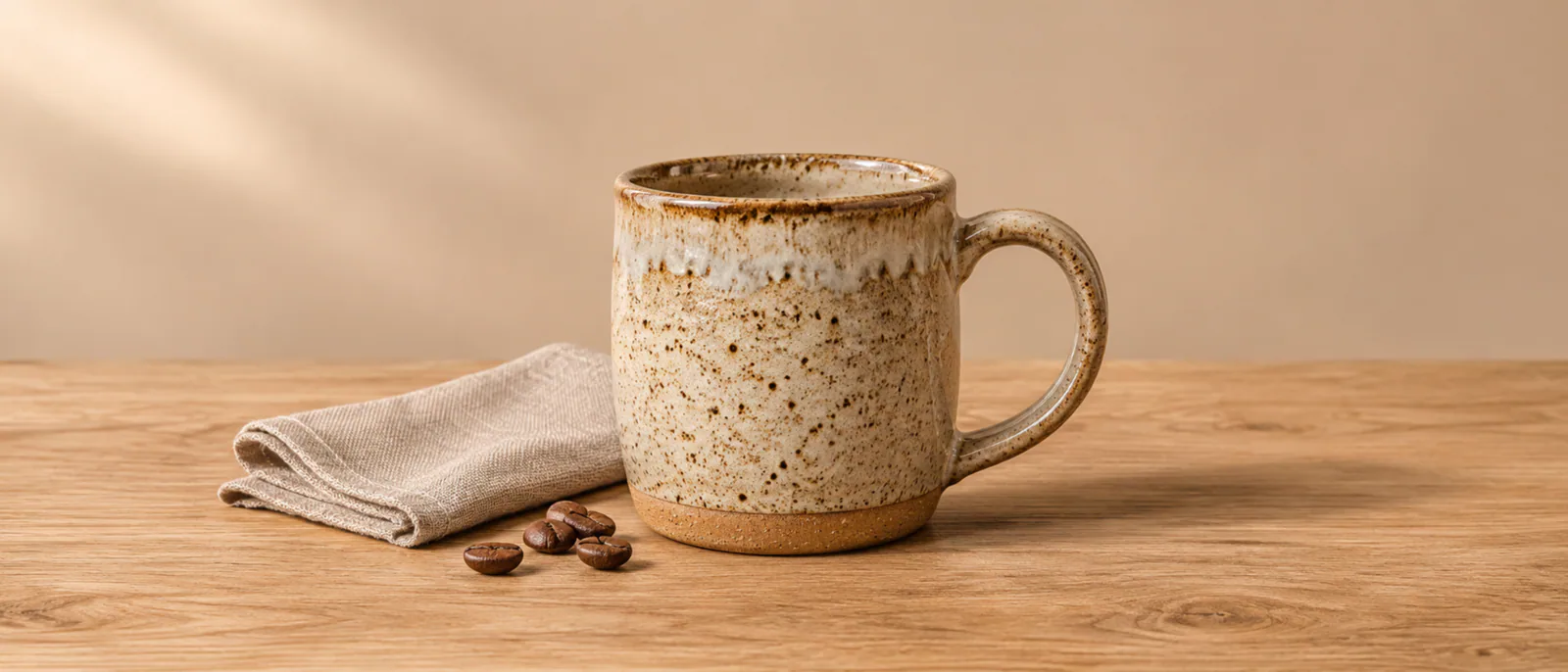 Product
"Slow orbit around the product as soft studio light sweeps across its surface. The shape and glaze stay unchanged."
How to animate a photo with AI
How to animate a picture, start to finish: three steps, with the credit cost shown before you generate.
- Upload
Upload your photo
To animate a photograph, add it as the start frame: a JPG, PNG, or WebP file up to 20 MB. Optionally add an end frame: a second image of the same scene that shows where the motion should finish.
Start frameEnd frame · optional - Describe
Describe the motion
Say what changes, not what the photo already shows: who moves, how, and what the camera does. Small, specific movements look the most natural.
"She blinks, smiles, and turns toward the camera. Static camera." - Generate
Pick the length and quality, then generate
Choose 4 to 15 seconds at 768P or 2K. The clip keeps the shape of your photo and comes back with native sound. You can leave the page while it renders.
4–15s768P / 2KNative audio
Tips for natural-looking photo animation
To make an image move naturally, ask for less. Most strange results come from too much motion at once, and these habits keep it believable.
Describe the change
Write the movement you want to see. Repeating what the photo already shows uses up the prompt without adding motion.
Keep faces subtle
When you animate a photograph of a face, ask for a blink, a smile, or a slight head turn. Big expressions and fast turns are where faces start to drift from the original.
One camera move
Pick a slow push-in, a gentle pan, or a still camera. Stacking moves makes the result shaky.
Say what must not change
Add "keep the face, clothing, and background unchanged" when details matter.
Use an end frame for a set ending
If the clip must finish on a particular pose or framing, upload that image as the end frame.
Test at 768P first
Before you animate a photograph at 2K, run a 5-second 768P test for 10 credits. Check the motion, then render the take you keep at 2K.
Bring old photos back to life
Scanned prints, black-and-white portraits, and faded family photos need a gentler touch. The old photo animator has preparation tips and motion ideas made for them.
Your photos stay private
Never used for training
Your photos and prompts are never used to train AI models. They are processed only to check and generate your clip.
Auto-deleted in 7 days
Uploaded photos are deleted from our servers automatically after 7 days. Finished videos stay available for 30 days.
Checked before animating
Every photo passes an automatic safety check before it is animated, and photos that fail are not sent to the model.
Your photos, your call
Only animate a photograph you took or have permission to use, and ask before animating someone else's face.
Need text-to-video or more references?
This page is built to animate a photograph. For video generation from text, several reference images, or clips longer than 15 seconds, compare the three Videoify models below. One credit balance works on all of them.
Scroll sideways to compare all three models.
| Feature | MiniMax H3 | Seedance 2.5 | Wan 3.0 |
|---|---|---|---|
| Clip length | 4–15 seconds | 1–30 seconds | 2–30 seconds |
| Resolution | 768P or 2K | 480p, 720p, or 1080p | 480P, 720P, or 1080P |
| Inputs | Prompt, first and last frames, image, video, and audio references | Prompt, first and last frames, or up to 50 image, video, and audio references | Prompt, first and last frames, up to 10 image, 5 video, and 5 audio references, a document, or a public webpage |
| Native audio | Yes | Yes | Yes |
| Credits per second | 2 at 768P, 3 at 2K | 4 at 480p to 20 at 1080p | 2 at 480P to 8 at 1080P |
| Best for | 2K detail in shots up to 15 seconds | Longer clips up to 30 seconds at 1080p | Long clips built from many references, a document, or a webpage |
| Feature | Try MiniMax H3 | Try Seedance 2.5 | Try Wan 3.0 |
Credit rates are for clips without reference video. Adding reference video changes how each model bills, and the exact cost is shown before you generate.
Photo animation questions, answered
How it works, what it costs, and how to fix a strange-looking result.
Artificial intelligence photo animation treats your photo as the first frame. When you animate a photograph, an image-to-video model, here MiniMax H3, predicts the frames that follow, guided by your prompt: what moves, what the camera does, and what the scene sounds like. Because every frame builds on the original, the subject, colors, and framing carry through the clip, and the prompt decides the motion. The sound is generated in the same pass as the picture.
Make your pictures
move
Animate photos online in your browser: upload one, describe the motion, and get a 4 to 15 second clip with sound.
Account and credits required · Cost shown before generation · No watermark