
Animate Old Photos with AI
Animate old photos online in three steps: upload a scanned or black-and-white family photo, describe a gentle movement, and get a 4 to 15 second video with sound. Faces blink, smile, and turn toward the camera, and you decide how much moves.
Where moving old photos mean the most
A few seconds of motion turns a scan in a drawer into something the family wants to watch together. These are the moments people animate family photos for.
Family history and genealogy
Animate old photos of ancestors for a family tree, a heritage project, or a reunion slideshow.
Memorials and tributes
A gentle moving portrait for a memorial service or a remembrance post, shared with the family's blessing.
Weddings and anniversaries
Grandparents' wedding photo moving again for an anniversary toast.
Birthdays and reunions
Childhood photos that smile and wave for a milestone birthday or a class reunion.
Sharing with relatives
A short clip is easier to share in a family chat than a scan in a folder.
Historical photos
Archive and classroom photos you have the right to use, turned into animated historical photos for a talk, a lesson, or an exhibit.
Old photos,
moving gently again
Each card shows one way to animate old photos: a scanned-style sample photo with a gentle motion prompt, the kind that can make old pictures come to life without changing the faces. Press Try this photo to load both into the generator above, then swap in your own photo. The sample photos are AI-generated, not real family photos.
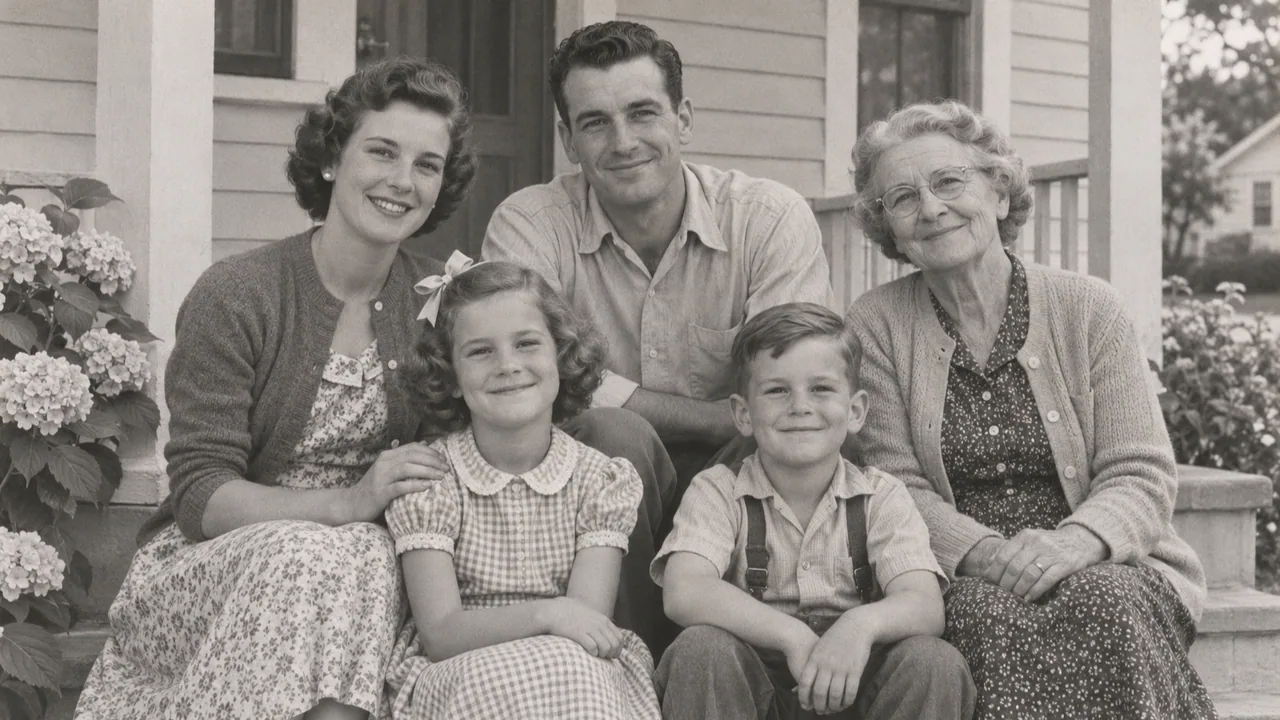 Family photo
"Each person in the family photo blinks and smiles slightly; no one stands up or leaves the frame. Keep the old print texture."
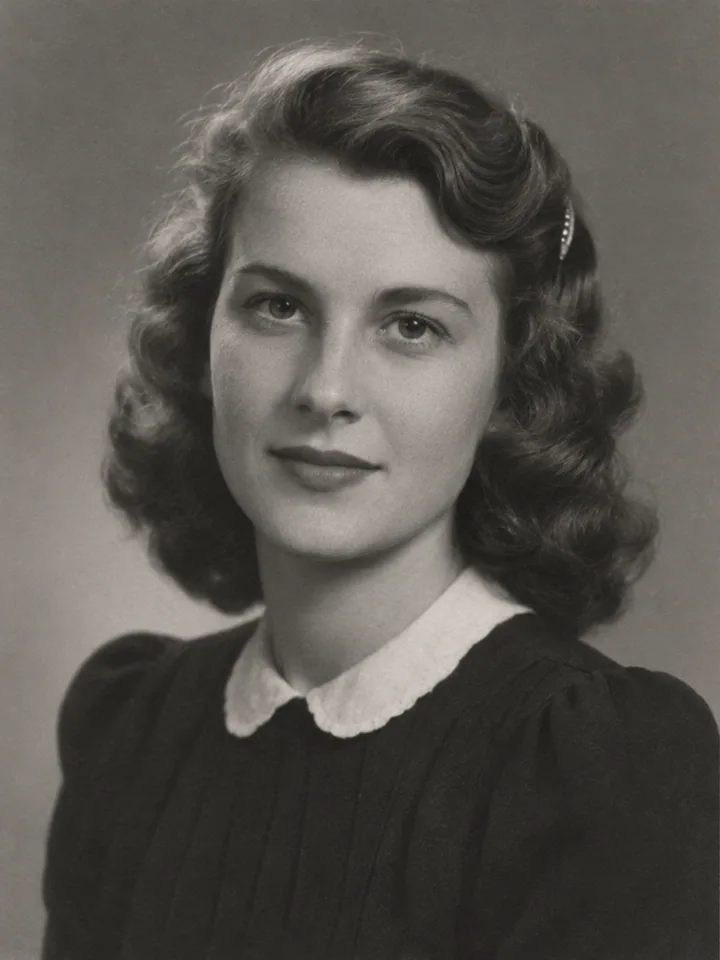 Black and white
"Keep the photo black and white with its original grain. The person blinks slowly, gives a small smile, and turns their head a little."
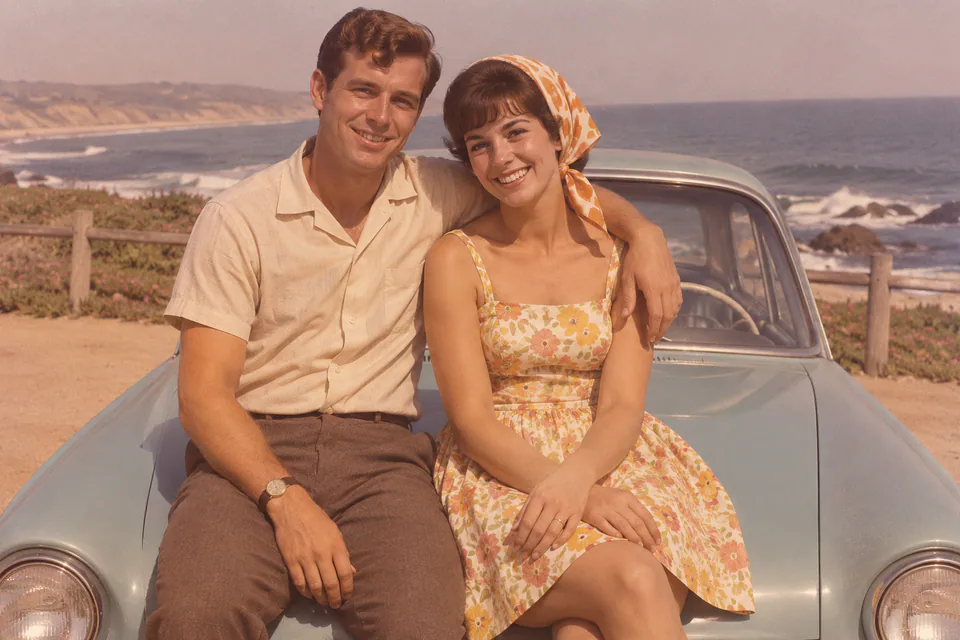 Couple
"The couple look at each other and smile, then turn back to the camera. Keep their faces and the faded colors as they are."
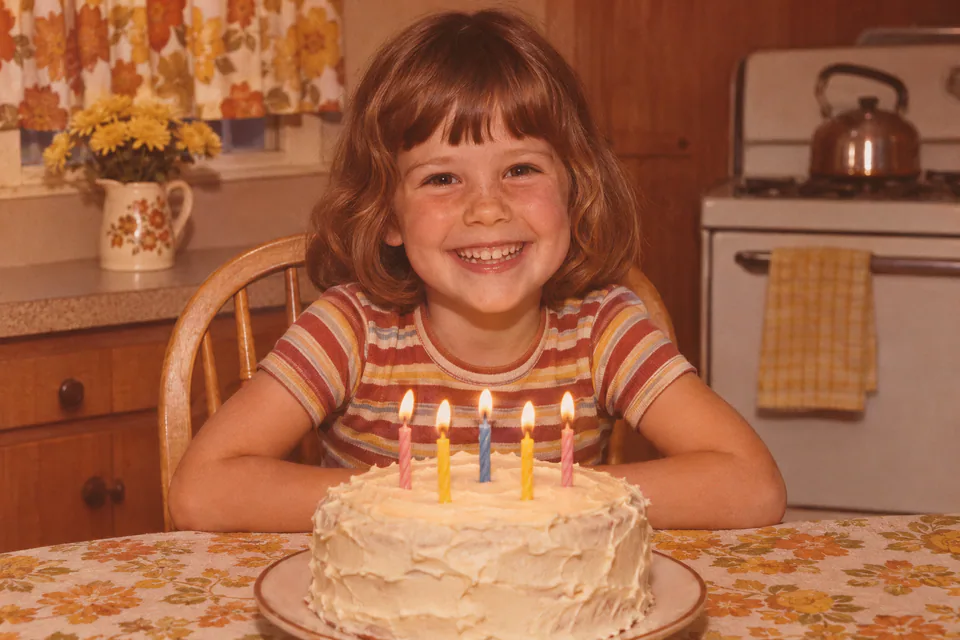 Childhood
"The child laughs softly and looks up. Keep the face and the vintage colors unchanged. Static camera."
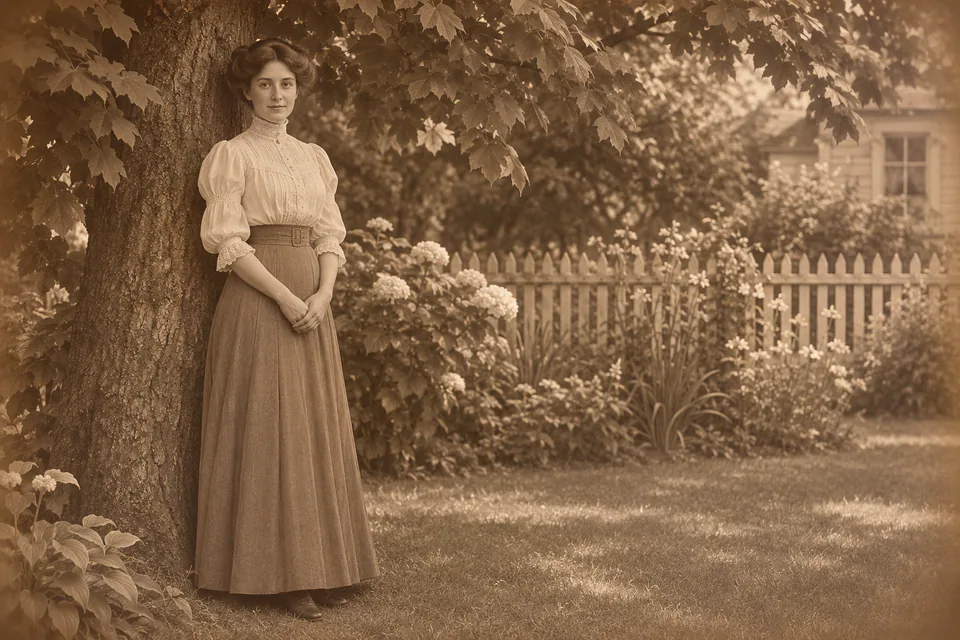 Sepia
"Keep the sepia tone. Leaves in the background move in a light breeze while the person stays mostly still, breathing and blinking."
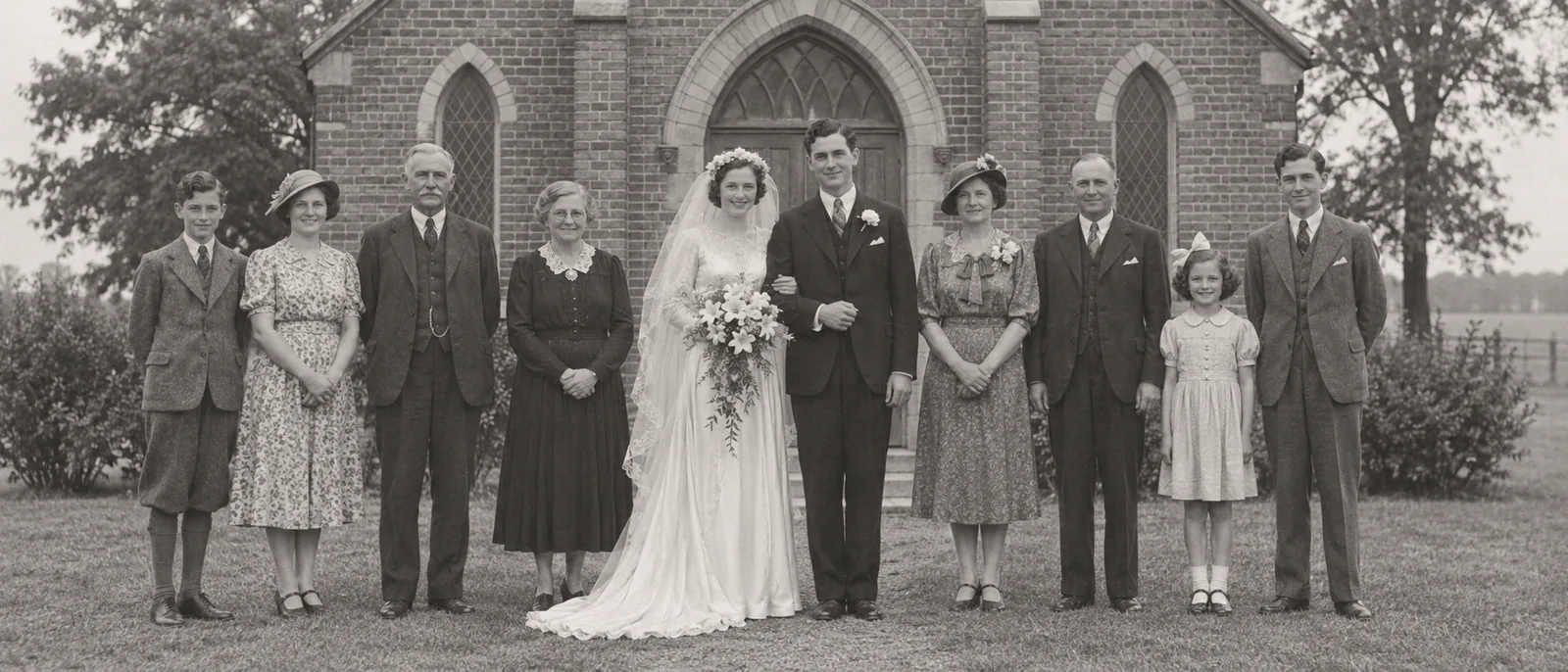 Wedding
"The bride and groom smile and lean slightly toward each other while the guests stay still. Keep the black-and-white tone."
Prepare the old photo first
A few minutes of preparation makes the biggest difference to how natural the result looks, so get the scan right before you animate old photos.
Scan it sharply
Scan prints at 600 dpi or more, or photograph them flat in even daylight without glare. A blurry scan gives the model less of the face to work with.
Restore first, then animate
Tears, scratches, and stains can turn into moving artifacts. To restore and animate old photos, fix the damage with a photo restoration tool first: Videoify animates photos, it does not restore them.
Crop to the people
Remove album pages, borders, and frames so the faces fill more of the image. To animate an old picture stuck in an album, photograph or scan it on its own first.
Black and white is fine
Black-and-white and sepia photos animate well; add "keep the photo black and white" to keep that look. To colorize and animate old photos, colorize the scan with a dedicated tool first, because the animation follows the colors in the photo you upload.
One face is easiest
A single portrait is the most reliable. In group photos, keep the movement small and expect to try more than once.
Check the file
JPG, PNG, or WebP up to 20 MB, each side between 256 and 5,760 pixels.
How to animate old photos
How to make old photos come to life in three steps. The credit cost appears before you generate.
- Upload
Upload the scanned photo
To animate old photos, add the scan as the start frame. One clear image is all it needs; crop it close to the people first.
One photoJPG · PNG · WebP - Describe
Describe a gentle movement
A blink, a small smile, a slight turn toward the camera. Say what should stay the same, such as the face, the clothing, and the black-and-white look.
"She blinks slowly and smiles. Keep it black and white." - Generate
Generate and save it
Choose 4 to 15 seconds at 768P or 2K and generate. The old photo comes back as a video with native sound and no watermark; download the one you want to keep.
4–15s768P / 2KNative audio
An old photo animator built for gentle results
Quiet sound included
Every clip has native audio. Ask for soft room tone or ambience, and "no music" if you want none.
4–15 seconds, up to 2K
Animate old photos as short, subtle clips, or give the moment room to breathe, at 768P or 2K.
No watermark
Download a clean video to share with the family.
Price shown first
A 5-second 768P clip is 10 credits. The cost appears before you generate, and failed generations return their credits.
Motions that suit old photos
These prompts are a safe way to animate old photos: copy one and adapt it to your photo. Small movements make old photos move without losing the faces you know.
- Blink
A slow blink
The safest first test for any portrait.
"The person blinks slowly and breathes. Keep the face and the black-and-white look unchanged. Static camera." - Smile
A small smile
Works best on a face-forward portrait.
"She gives a small, warm smile and relaxes her shoulders. Keep her face and clothing as they are. Static camera." - Nod
A gentle nod
Suits formal portraits and older relatives.
"He nods once, gently, and looks into the camera. Keep the original grain and tone. Static camera." - Turn
A turn toward the camera
Keep the turn slight so the face holds.
"She turns her head slightly toward the camera and smiles. Keep her face, hair, and the sepia tone unchanged." - Push-in
A slow push-in
Adds life to group photos without moving the people much.
"Very slow push-in toward the faces while everyone stays still, breathing and blinking. Keep the old print texture." - Breeze
A light breeze
For outdoor photos with hair, trees, or fabric.
"A light breeze moves her hair and the leaves behind her. Keep the face still and the colors faded. Static camera."
Animating the people you love, carefully
Ask the family first
Only animate old photos you own or have permission to use, and check with relatives before sharing a moving photo of someone they knew.
Say it was animated
When you share the video, mention that it was animated with AI, especially for people who have passed away or historical photos.
Never used for training
Your photos and prompts are never used to train AI models.
Auto-deleted in 7 days
Uploaded photos are wiped from our servers automatically. Finished videos stay available for 30 days.
Animate any photo
Portraits, pets, landscapes, paintings, and product shots have their own motion ideas on the photo animator.
Old photo animation questions, answered
How AI old photo animation works, what it costs, and how to keep faces recognizable.
Your scan becomes the first frame of a video. An image-to-video model, here MiniMax H3, predicts the frames that follow, guided by your prompt: a blink, a smile, a slight turn, or a slow camera move. Because every frame builds on the photo, the faces, clothes, and tone carry through the clip, and the sound is generated in the same pass. It works best when you ask for small movements.
Bring an old photo
to life
Animate old photos right in your browser: upload a scanned family photo, describe a gentle movement, and get a 4 to 15 second clip with sound.
Account and credits required · Cost shown before generation · No watermark